
Crystal Hive
Tilt the world. Outrun the hive.
Tilt your phone to roll a glowing ball down tracks of living crystal. Grab shards to bloom bridges and shatter walls, and keep moving, because the hive is growing behind you. If you fall, you're back on the track in under a second.
In development, coming to TestFlight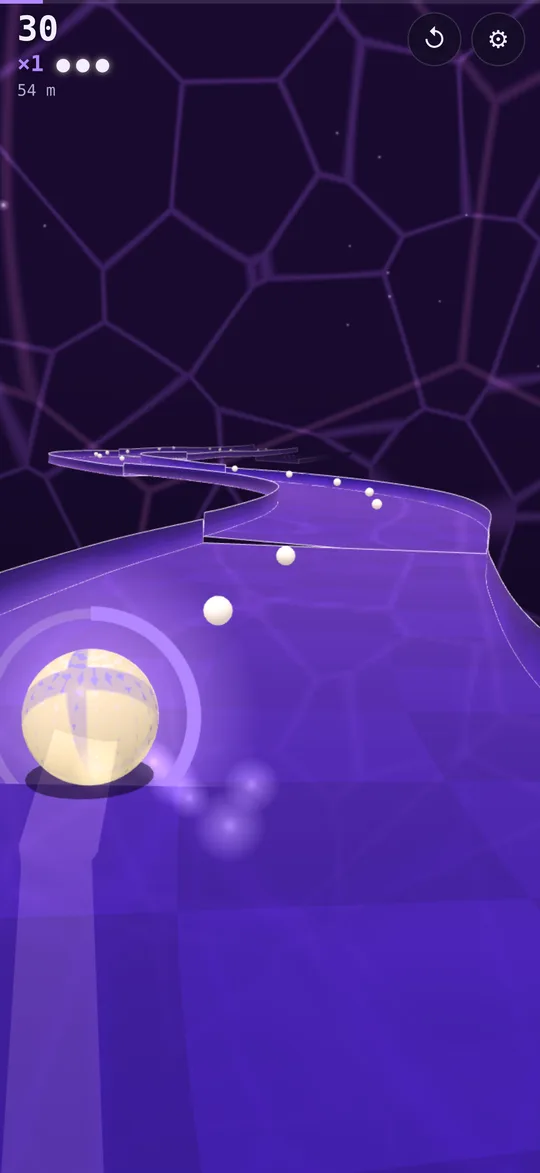
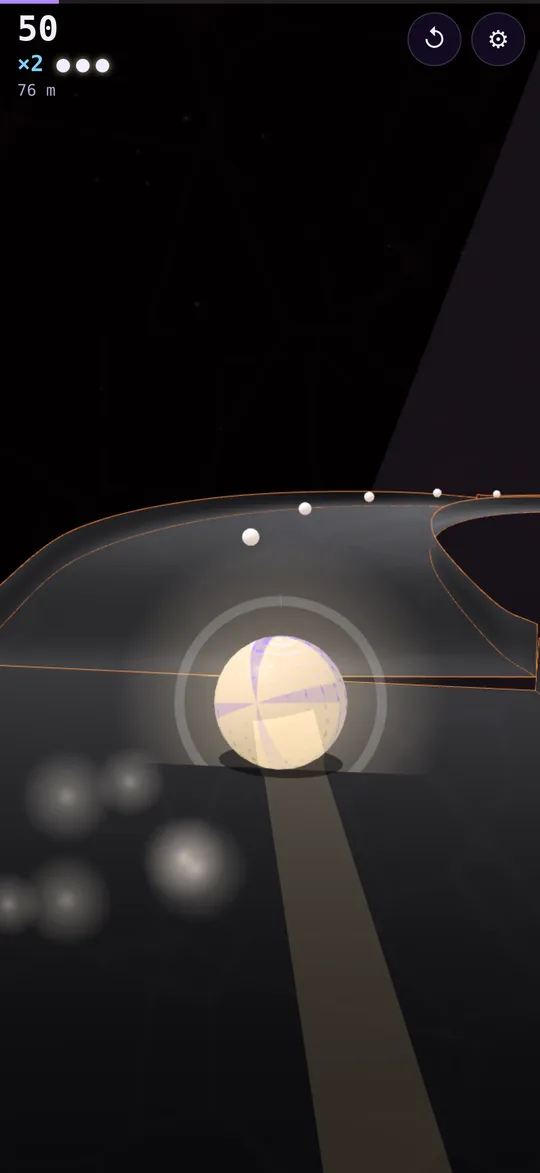
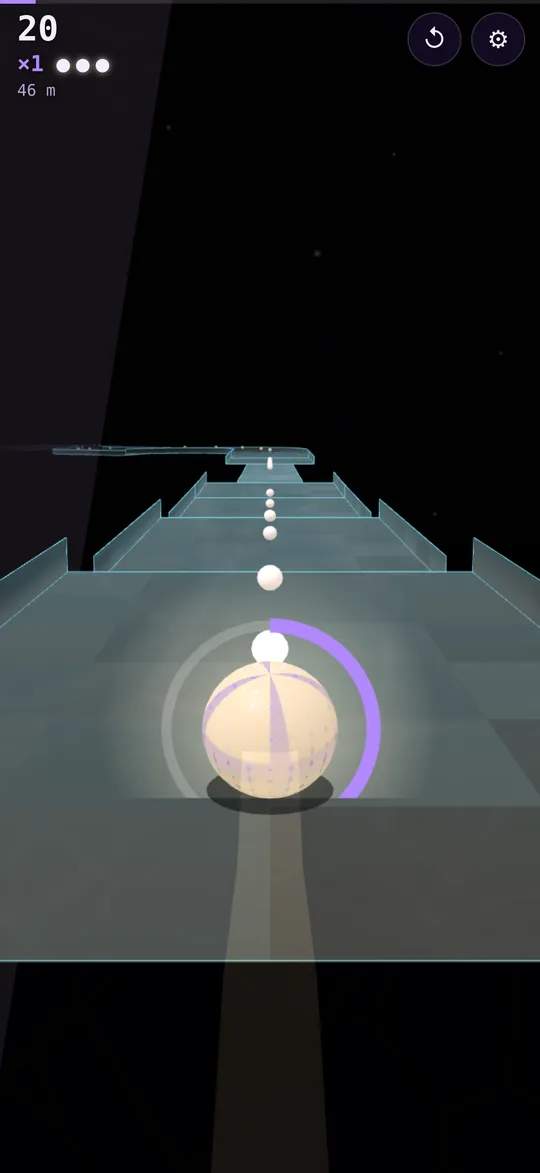
Three ways to roll
Descent
Hand-tuned biomes, each with its own hazards and light: Amethyst, Bismuth, Obsidian, Geodes and the Apex.
Daily Hive
A new course every day, the same for every player.
Endless Bloom
A crystal run that never ends and keeps getting faster.
- ControlsTilt your phone, or drag with a thumb
- No assistsWhat you tilt is what you roll
- PriceFree to start. Full Hive is a one-time unlock
- OfflineNo ads, no account, no internet needed
Privacy
Last updated November 2026.
What we collect
Nothing. Crystal Hive has no accounts, no ads and no analytics. It doesn't collect your name, email, contacts, location, photos or advertising identifier, and nothing about how you play leaves your phone.
Motion
The game reads your phone's motion sensors only to steer the ball. That data stays on the device.
Purchases
In-app purchases are handled by Apple. We never see your payment details.
Replay clips
If you choose to save a replay clip, the game writes it to your Photos library. It never reads your photos.
Children
The game doesn't collect personal information from anyone, including children.
Changes
If a future version adds anything that collects data, such as Game Center leaderboards or optional analytics you can turn off, we'll update this page and the App Store privacy details first.
Support
Email support@clarkestudios.com
Tell us your iPhone model, your iOS version and what happened. A real person reads every message, usually within two business days.
The ball doesn't respond to tilt
Allow motion access when the game asks. If you said no, open the game's settings and switch to touch drag, or allow motion again in the iPhone Settings app.
The ball drifts when I hold my phone still
Tap the screen with two fingers to set "level" to however you're holding your phone.
Restoring a purchase
On the main menu, open Full Hive or Cores and tap Restore Purchases. Purchases belong to your Apple ID, so they carry over to a new phone.